


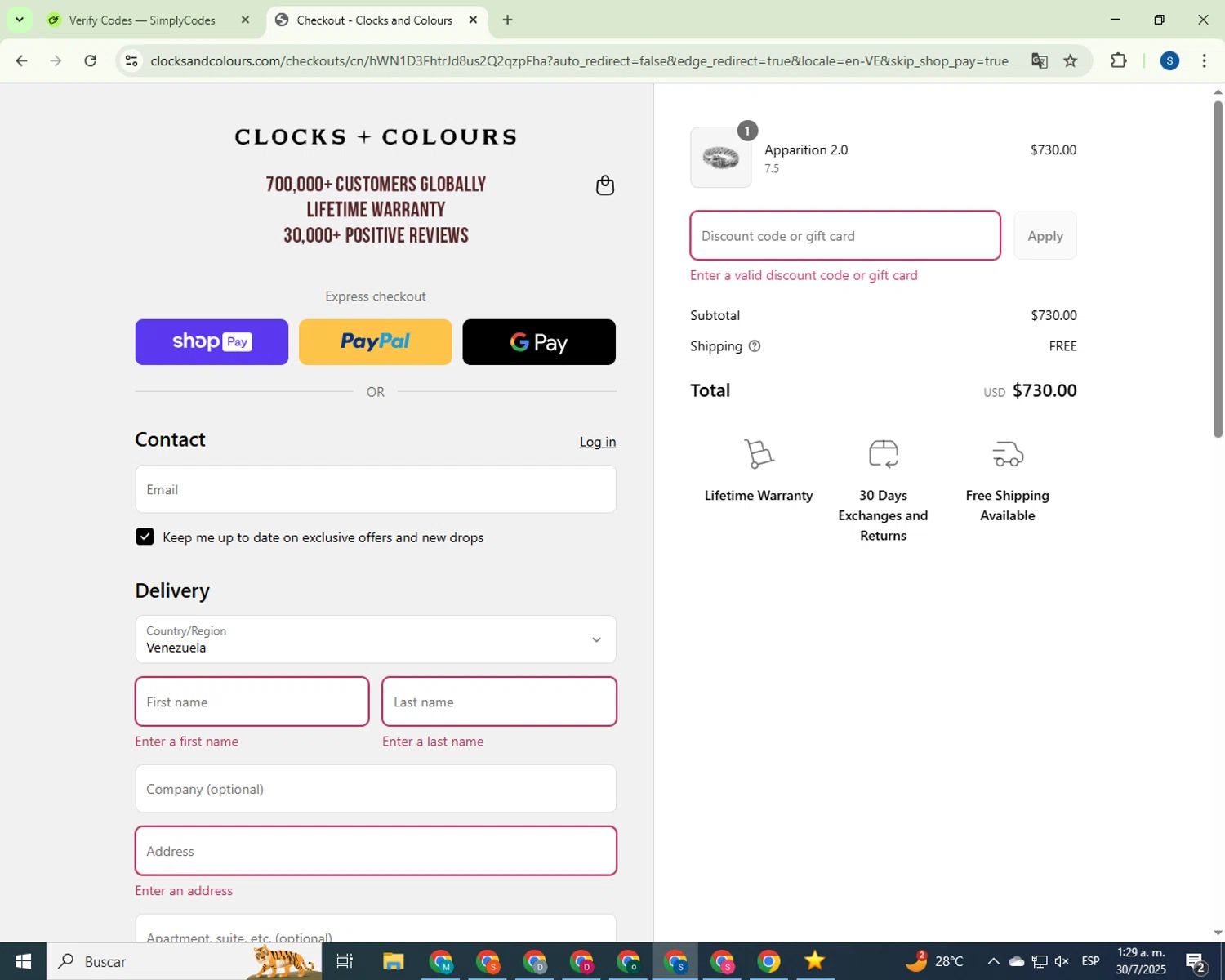



Let's cut right to it: you're probably not going to find a traditional Splice promo code just floating around the internet. As the founder of CouponsScout, I've seen countless producers waste time on fake codes. The good news? I'm about to show you the real ways to get a massive discount on the world's leading music creation platform. Forget the hunt for codes. This guide, verified by our in-house tech experts, will walk you through how to lock in up to 36% savings on your subscription, test drive any plan with a 14-day free trial, and even score 100 free credits. Let's dive in and stop overpaying for your sounds. If you're comparing tools before you commit, our in-depth Splice review breaks down every plan and feature in detail. And while you're here, you can explore more Software and AI deals updated daily we've verified.
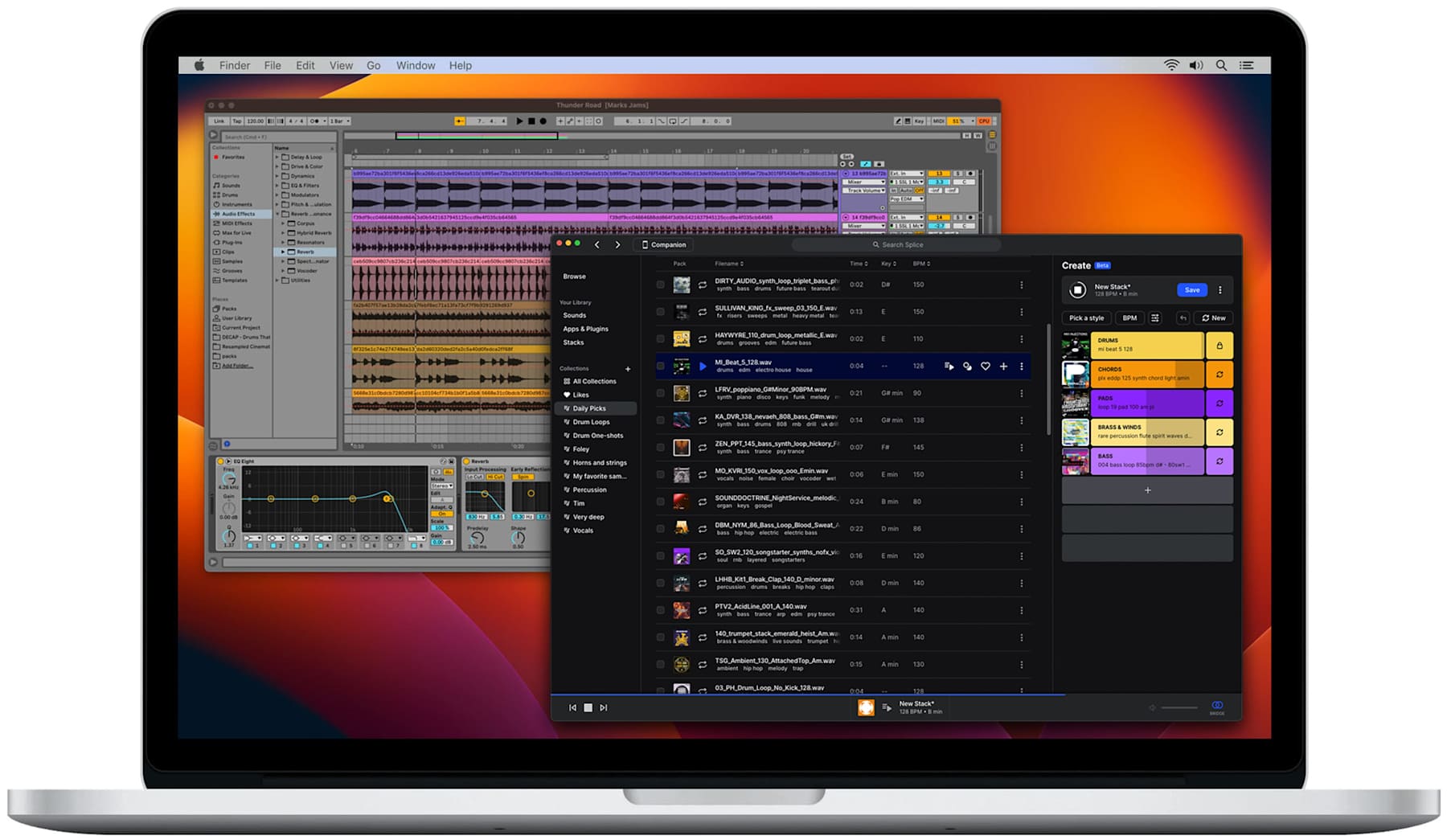
How to Apply Your Splice Discount Code
Even though most savings on the platform are automatic, the service does occasionally run special campaigns or partnerships that might provide a manual code. Knowing where to look is key. Here's a breakdown of how the discount process works on Splice.
Step-by-Step: Applying Codes at Checkout
If you've managed to get your hands on a rare promotional code, perhaps from a specific artist collaboration or a limited-time offer, applying it is straightforward. The option appears on the final payment screen during the checkout process.
- Select Your Plan: Choose between Sounds+, Creator, or Creator+ on the official Splice plans page. Be sure to select 'Annual' billing here if you want to lock in the automatic 36% discount.
- Proceed to Checkout: Create a new account or log in to your existing one. You will be taken to the payment details page.
- Locate the Promo Code Field: On the right side of the screen, under your order summary, you'll see a text link that says "Add promo code."
- Enter Your Code: Click the link, and a text box will appear. Carefully type or paste your code into this box and click "Apply."
- Verify the Discount: The order summary should update immediately to reflect the discount. If it does, you can complete your payment. If not, the code is likely invalid, expired, or not applicable to your chosen plan.
Automatic Discounts vs Manual Code Entry
It's crucial to understand that for this service, automatic discounts are the primary way to save. Over 99% of the savings you'll get don't require any manual code entry at all. These are the most common and reliable ways to reduce your cost:
- Annual Billing: Simply by choosing to pay for a year upfront, you automatically save up to 36% compared to paying monthly. This is the single biggest discount the platform offers to the general public.
- Student Plan: If you're a verified student, you get access to the Student Plan, which offers features of the Creator plan at a lower price. This is an automatic discount applied after you verify your student status.
- Free Trial: The 14-day free trial is automatically applied when you first sign up, allowing you to test the features before you commit.
Think of manual promo codes as a rare bonus. The real, consistent savings are built directly into the pricing structure. Focus on leveraging these automatic discounts first.
Savings Hacks & Tips for Splice
This is where we get into the serious money-saving strategies. As a tech reviewer who has analyzed hundreds of SaaS tools, I can tell you that the biggest wins come from understanding the system, not from chasing fleeting coupon codes. Here's how my team and I have determined the best ways to maximize your value on the platform.
Annual vs Monthly Billing: Calculate Your 36% Savings
This is the most significant and easiest discount to get. The service heavily incentivizes users to commit to a full year. Let's do the math to see how substantial the savings are.
Take the most popular plan, Sounds+:
- Monthly Price: $12.99 per month
- Total Annual Cost (Monthly): $12.99 x 12 = $155.88 per year
- Annual Plan Price: $99.99 per year
By choosing the annual plan, your total savings are $55.89. That's a 36% savings versus paying month-to-month, confirmed on the Splice plans page. This single choice is the most powerful "coupon" you can use. The savings are similar for the Creator and Creator+ plans, making annual billing a no-brainer if you plan to use the service for more than a few months. Switch to Annual Billing & Save $55+ Per Year →
Student Discounts: How to Verify & Save with the Student Plan
If you're a student, you're in luck. The service offers a dedicated Student Plan that provides incredible value. For just $10.99/month, you get all the features of the Sounds+ plan plus access to Splice's powerful VSTs, Astra and Beatmaker. Normally, you'd have to upgrade to the $19.99/month Creator plan to get those plugins.
How to get the Student Discount:
- Visit the official Splice Student Program page.
- Click "Get Started" and you'll be prompted to verify your student status through SheerID, a third-party verification service.
- You'll need to provide proof of enrollment, such as a student ID, transcript, or an official letter from your institution.
- Once verified, you'll be able to subscribe to the Student Plan and get instant access.
This is a fantastic deal for any student producer looking to access professional-grade tools on a budget. Once you're verified, you can pair it with the latest Splice promo codes and deals whenever a rare seasonal offer goes live.
Referral Program: Get 100 Free Credits for Inviting Friends
The platform rewards its users for spreading the word. Through the official Splice Referral Program, you can earn free credits by inviting your friends.
Here's how it works: When you refer a friend and they subscribe to a paid plan, you receive 100 free credits deposited directly into your account. These are the same credits you use to download samples, so it's a direct boost to your creative library. To find your unique referral link, go to your account dashboard. It's a simple and effective way to supplement your monthly credit allowance without spending an extra dime.
Free Trial Strategy: Test Any Plan for 14 Days
Before you commit to a paid plan—especially an annual one—it's essential to make sure the service fits your workflow. It offers a generous 14-day free trial on all of the core plans: Sounds+, Creator, and Creator+. This isn't a limited, feature-stripped trial; you get full access to the plan's capabilities, including the sample library and any included plugins.
My advice: aim high. Use the free trial on the Creator+ plan. This gives you the chance to test-drive everything the platform has to offer, including their premium VSTs and educational content. At the end of the 14 days, you can make an informed decision about which plan is right for you, or if you even need a paid plan at all. A credit card is required to start the trial, but you can cancel anytime before the 14 days are up to avoid being charged.
Rent-to-Own Plugins: A Smarter Way to Buy VSTs
This is one of the platform's most innovative features and a huge money-saver for producers. High-quality VST plugins from developers like Arturia, iZotope, and Kilohearts can cost hundreds of dollars upfront. The Rent-to-Own program breaks that cost down into manageable, interest-free monthly payments.
You pay a small amount each month (e.g., $9.99/month for Serum) until you've paid the full retail price. At that point, you own the plugin outright with a lifetime license. There's no commitment; you can pause your payments at any time. This makes expensive, industry-standard software accessible to everyone, preventing you from dropping $200-$500 on a plugin you might only use a few times. It's an insanely smart way to build your plugin collection without breaking the bank.
Cashback Stacking: Combine with Credit Card Rewards
While not a direct discount, this is a pro-level tip for saving on all your software subscriptions. Many credit cards offer cashback or rewards on digital services. When you pay for your annual plan, use a credit card that gives you the highest percentage back on online purchases or recurring software subscriptions.
For example, if your card offers 3% cashback on online spending, paying the $99.99 annual fee for the Sounds+ plan will net you an additional $3.00 back. It might seem small, but when you apply this strategy across all your software tools (Adobe, Netflix, etc.), the savings add up to a significant amount over the year. Always check your credit card's reward categories to make sure you're using the right one for the purchase.
Why Trust Coupons Scout for Splice Codes?
In an industry filled with fake "50% off" clickbait and expired codes, we built Coupons Scout to be the antidote. My mission as founder was to create a platform that prioritizes accuracy and user trust above all else. We don't just scrape codes; we verify them. And for a service like Splice where codes are rare, our job is to provide clarity and uncover the real, legitimate savings methods. This commitment to honesty is backed by our rigorous verification process and our team of experts.
Our Verification Process: The CSVP™ Standard
Every piece of savings advice on this page is vetted through our proprietary Coupons Scout Verification Protocol (CSVP™). This isn't an automated process; it's a hands-on, multi-step system managed by human experts. Our entire process is outlined in our editorial methodology to ensure full transparency.
For this Splice guide, our process involved:
- Track A (Coupon Code Verification): Our operations team performs a manual cart test weekly to search for any new, valid promo code fields at checkout. We simulate the entire purchase process to confirm where and how a code could be applied, even if none are publicly active right now.
- Track B (Savings Method Validation): Our software specialist personally validates every alternative savings method. This includes creating a trial account to confirm the 14-day free trial terms, walking through the student verification process, analyzing the pricing tiers on the official site to calculate the 36% savings from annual plans, and digging into the terms of the Rent-to-Own program.
This dual-track approach ensures that we catch any potential promo codes while also verifying the evergreen strategies that provide the most value. We run daily re-tests on high-demand brands and perform monthly audits on guides like this one to ensure every piece of information remains current and accurate.
Meet the Team Behind Your Savings
As the founder of CouponsScout, I built this platform on the principle that every deal must be verified by human experts. For a technical product like this one, I worked closely with our specialist team. My direct collaborator on this piece was Jettawat Kasemchaiyanun, our resident Software & AI expert. I tasked him with personally testing the plan features, analyzing the true ROI of the Student Plan versus the Creator plan, and verifying the interest-free terms of the Rent-to-Own system. His deep knowledge ensures you're getting expert insights. Our broader team provides the foundation for this work. Our Senior Verification Analyst, Kanokchai Likitapiwat, performs daily manual cart tests. While Jennifer Angel, our Lifestyle Editor, focuses on retail, her quality standards influence all our content. And finally, every article is reviewed by our Editorial Director, Joanne Lovell, who fact-checks every claim. Our team is your team, working behind the scenes to make sure you never overpay.
What To Do If Your Splice Code Doesn't Work?
While we focus on verified, automatic savings, you might occasionally find a promo code from a third-party source or a special promotion. If you try to enter it and it fails, don't panic. There are usually a few simple reasons why this happens, especially with a service like this.
Common Reasons Codes Fail (And How to Fix Them)
Based on our experience verifying thousands of codes across hundreds of stores, here are the most common culprits:
- The Code Has Expired: Most codes are tied to very short-term marketing campaigns (e.g., a weekend promotion with a specific artist). If you find a code on a random coupon site, it's almost certainly expired.
- It's a First-Time Customer Code: Some promotions are designed to attract new users. If you already have an account, even a free one, you won't be eligible for the code.
- Plan-Specific Restrictions: A code might only be valid for a specific subscription tier (e.g., Creator+ only) or billing cycle (e.g., Annual plans only). Make sure the code's terms match what's in your cart.
- Typographical Error: It sounds simple, but double-check that you've copied and pasted the code correctly, with no extra spaces. Promo codes are often case-sensitive.
Terms & Conditions: Understanding Eligibility
The single most important step is to read the fine print. Any legitimate promotion from the platform will come with clear terms and conditions. Before you even try to use a code, look for answers to these questions:
- Is this for new users only?
- Does it apply to all plans or just a specific one?
- Is it valid for monthly or annual subscriptions?
- Is there a specific expiration date?
Understanding the eligibility requirements beforehand will save you a lot of frustration at checkout. For this service, the most reliable "terms" are the ones on their official pricing and student pages, as these are evergreen offers.
Contacting Splice Support for Assistance
If you have a code that you genuinely believe is valid and should apply to your purchase, the best course of action is to contact their support team directly. Don't waste time trying dozens of codes from aggregator sites. Take a screenshot of the code and the error message you're receiving and reach out to them through their official help center.
Their team will be able to give you a definitive answer on the code's validity and terms. They are the only true source of information for their own promotions. If you'd rather compare tools first, take a look at our roundup of Splice top alternatives and competitors before renewing.
About Splice
To truly understand how to save money here, it helps to understand what it is and the value it provides. This isn't just a collection of sounds; it's a comprehensive ecosystem designed to streamline the music production workflow. Founded in 2013 by Steve Martocci and Matt Aimonetti, the New York-based company has become an indispensable tool for millions of creators, from bedroom producers to Grammy-winning artists.
What is Splice? A Music Creation Platform Overview
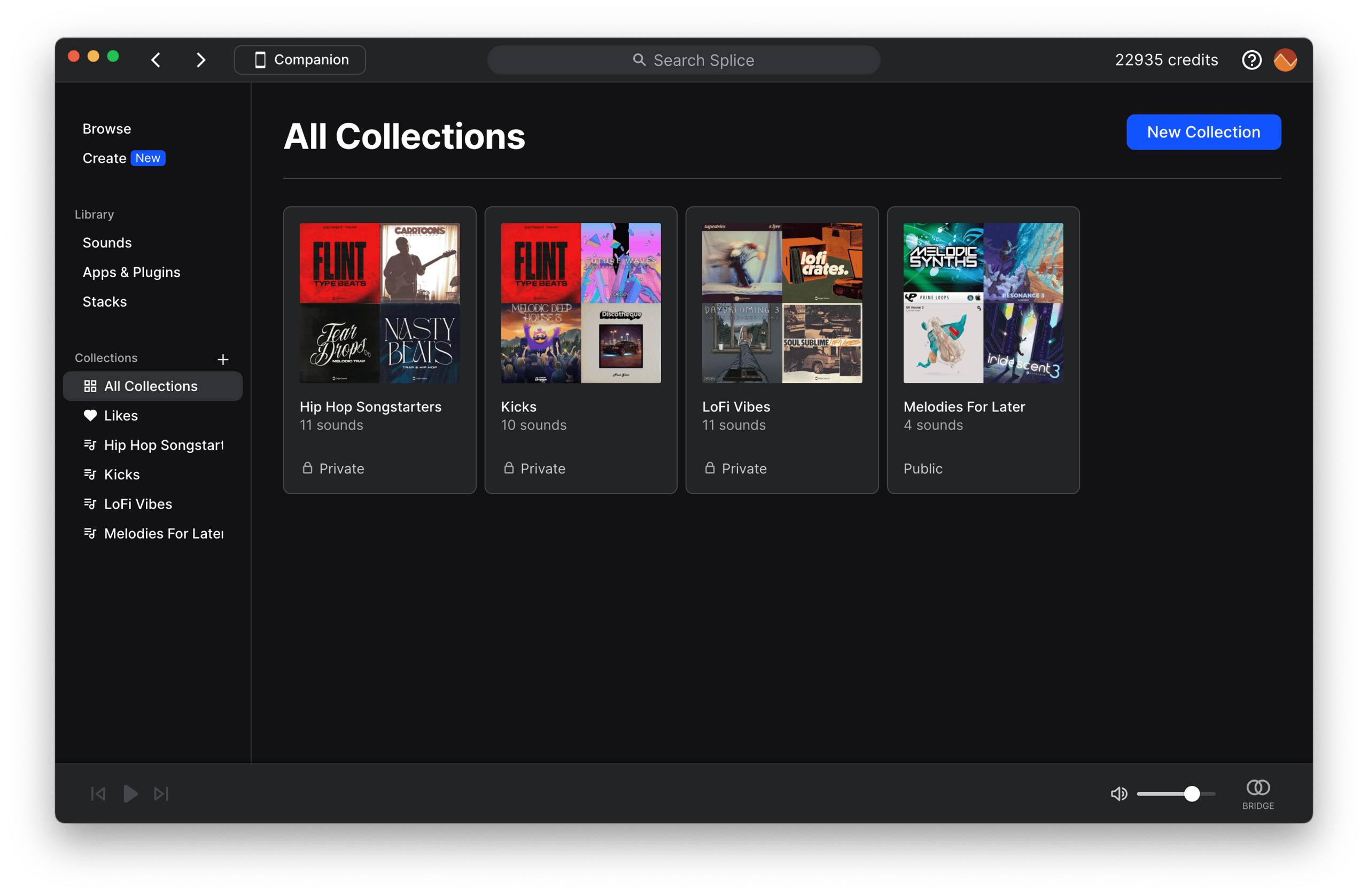
At its core, it's a cloud-based platform for music creators. Its mission is to make the creative process more efficient, collaborative, and accessible. It solves several major problems for producers. Instead of storing massive, disorganized sample libraries on hard drives, the service gives you access to millions of royalty-free samples, loops, and presets in the cloud. You can search, audition, and download only what you need, right from your digital audio workstation (DAW).
Products & Services: From Splice Sounds to Rent-to-Own
The offerings can be broken down into a few key areas:
- Splice Sounds: This is the heart of the platform. It's a massive, constantly growing library of millions of samples from world-class sound designers and artists. You use monthly credits from your subscription to "purchase" and download sounds.
- Plugins: The service offers its own exclusive VST instruments, like the powerful Astra synth and the intuitive Beatmaker drum machine.
- Rent-to-Own: An innovative payment model that lets you pay off premium third-party plugins (like Serum) over time with no interest, making expensive software affordable.
- Bridge: A free plugin that connects the desktop app to any DAW, allowing you to audition samples in the key and tempo of your track before you even download them.
Pricing Tiers: Sounds+, Creator, and Creator+ Comparison
The service offers three main subscription tiers, which are detailed on their official plans page. The main difference between them is the number of monthly credits and access to plugins and tutorials.
| Plan | Monthly Price | Annual Price | Monthly Credits | Key Features |
|---|---|---|---|---|
| Sounds+ | $12.99/mo | $99.99/yr | 100 | Access to the full sample library. |
| Creator | $19.99/mo | $199.99/yr | 200 | Includes Astra & Beatmaker VSTs. |
| Creator+ | $39.99/mo | $299.99/yr | 500 | Includes tutorials and advanced features. |
Choosing the right plan depends entirely on your needs. If you just need samples, Sounds+ is perfect. If you want powerful synths and drum machines, the Creator plan offers insane value. Explore Splice Plans →
Free Trial & Refund Policy
The platform offers a 14-day free trial for new users on all of its plans. This is the perfect way to test the service and see if it's right for you. It's important to note that a credit card is required to sign up for the trial. As for refunds, the policy is very clear. According to the official Splice Terms of Use, payments are non-refundable. There are no refunds or credits for partially used periods. This is a standard policy for SaaS and digital content platforms. Because of the no refunds policy, it is absolutely critical that you use the free trial period to its fullest to ensure you're happy with the service before your card is charged.
Cancellation Process & Billing Cycle
The good news is that you can cancel anytime. The service has a very straightforward cancellation process. You can cancel your subscription directly from your account settings under the "Plans" section. If you cancel, your subscription will remain active until the end of your current billing cycle (either the end of the month or the end of the year if you're on an annual plan). You will not be charged again. It's a simple, no-hassle process, which is exactly what we like to see from a reputable subscription service.
Frequently Asked Questions About Splice Discounts
Does Splice offer promo codes?
Rarely. The platform does not typically offer public promo codes. Most savings are automatic, such as the discount for annual billing. Occasional codes might be available through limited-time artist partnerships, but they are not a reliable way to save.
How can I get this store for free?
You can access it for free for 14 days by signing up for their 14-day free trial. This gives you full access to a plan's features. You can also earn free sample credits by referring friends who subscribe to a paid plan.
Does Splice offer a student discount?
Yes, the service offers an excellent Student Plan for $10.99/month. It includes 100 monthly credits plus access to the Astra and Beatmaker VSTs, which normally requires the more expensive Creator plan. You must verify your student status through SheerID to be eligible.
How much can I save with an annual plan at this store?
You can save up to 36% by choosing an annual plan over a monthly one. For the popular Sounds+ plan, this amounts to a saving of $55.89 per year. This is the single largest and most reliable discount available.
What is Splice's refund policy?
The service has a strict no refunds policy, as stated in their official Terms of Use. They do not offer refunds or credits for subscription charges, even for partially used periods. This makes using the 14-day free trial essential before committing to a purchase.
Can I cancel my subscription at this store anytime?
Yes, you can cancel anytime. You can manage your subscription directly from your account settings. When you cancel, your plan will remain active until the end of your current billing period, and you won't be charged again.
Is there a Splice referral program?
Yes. When you refer a friend and they sign up for a paid plan, you will receive 100 free credits in your account. Your referral link can be found in your account dashboard on the official website.
Is this store cheaper than Loopcloud?
It depends on your usage. The entry plan (Sounds+) is $12.99/month for 100 credits. Loopcloud's comparable plan is similar. However, their credit systems and feature sets differ. The service is often favored for its curated library and Rent-to-Own plugins, while Loopcloud is praised for its powerful sample manipulation tools. We recommend using the free trials for both to see which fits your workflow better. You can check our Loopcloud promo codes page for deals.
Does Splice have sales like Black Friday?
The service has historically offered promotions during major sales events like Black Friday, but they are not guaranteed. These deals are often on their Rent-to-Own plugins or annual subscriptions rather than simple promo codes. We recommend checking the official website during November for any announcements.
What happens to my credits at this store if I cancel?
If you cancel your subscription, you will lose any accumulated credits at the end of your billing cycle. It is crucial to spend all your credits before your subscription officially ends. The samples you've downloaded, however, are yours to keep forever, royalty-free.
Where can I find verified Splice deals?
The most reliable deals are found directly on the Splice website. This includes the 36% annual discount, the student plan, and the free trial. You can also see every merchant we cover on the full list of stores on Coupons Scout, or dig into our latest coupons feed of all active offers for fresh drops. We at Coupons Scout continuously monitor the service for any new promotions and update this page with any verified savings methods.
Conclusion
So, while the hunt for a magic Splice coupon code might be a dead end, the path to significant savings is wide open and clearly marked. As my team and I have shown, the most effective strategies are built right into the platform. By choosing an annual plan, you immediately lock in a 36% discount—a far greater saving than any typical promo code.
When you layer on the value from the 14-day free trial, the innovative Rent-to-Own system, the generous Student Plan, and the referral program, it's clear that the service provides multiple avenues for smart producers to maximize their budget. The key is to stop chasing phantom codes and start using the verified, built-in tools at your disposal. Focus on creating music, not hunting for coupons. Unlock Verified Splice Savings – Get Started Now →
