Bitdefender Top Alternatives and Competitors: A 2026 Guide to a Rigged Market
Posted on |
What if the biggest threat to your wallet wasn’t malware, but your antivirus’s renewal price? As Jettawat Kasemchaiyanun, Senior Tech Reviewer and a cybersecurity professional, I’ve seen how some of the biggest names in the industry increase your subscription cost by over 220% after your first year.
Choosing an antivirus is no longer about who has the best protection scores — they are all nearly perfect — but about which company’s business model you can trust. This guide to the top alternatives and competitors for Bitdefender doesn’t rehash marketing claims.
We expose the “renewal price shock,” the “teaser” features designed to upsell you, and the performance myths versus reality. Before diving deep, you may also want to grab a Bitdefender coupon code to lock in the fair first-year price we discuss below.
This analysis covers topics that directly impact your finances and digital safety — what Google calls “Your Money or Your Life” (YMYL). As such, it is based on rigorous data to inform your decision, but always ensure your choice aligns with your specific security needs and budget.
By the end, you’ll know exactly which of these four antivirus solutions — Bitdefender, Norton, McAfee, or even the free Microsoft Defender — truly respects you and your budget.
This comprehensive analysis will guide you through:
- Part 1: The Verdict & Methodology: Our top-level findings and how we test.
- Part 2: Core Analysis – The TCO Reality: A deep dive into the real cost of antivirus software beyond the introductory price.
- Part 3: Feature Deep-Dive: A technical breakdown of the features that actually matter, from malware engines to VPNs.
- Part 4: Critical Considerations – Trust & Privacy: An audit of the companies themselves, their business practices, and their privacy policies.
- Part 5: Use Cases & Workflows: How these products perform in real-world scenarios, from securing a family to optimizing an older PC.
- Part 6: Alternatives & Comparisons: A head-to-head showdown using our “Best For / Consider / Avoid” framework.
- Part 7: Conclusion & FAQs: Our final verdict and answers to your most pressing questions.
Part 1: The Verdict & Methodology
Before we dive deep, here is the essential information you need to make a fast, informed decision.
Key Takeaways
-
Renewal Price Shock is the Core Conflict: Norton and McAfee can more than triple your bill after year one. The real 3-year total cost of ownership (TCO) is often double the advertised price, a critical finding from our analysis of vendor pricing Norton 360 Deluxe Product Page. -
Protection is a Commodity: Top contenders, including the free Microsoft Defender, all score nearly 100% in independent malware protection tests from labs like AV-Test AV-Test Windows Report 2025. The “paid is safer” argument is largely outdated. -
Performance Champion: Bitdefender remains the leader for the lowest system impact based on AV-Comparatives scores, making it ideal for older hardware AV-Comparatives Performance Test October 2023. However, the performance gap between competitors has narrowed. -
The VPN “Gotcha”: Norton and McAfee justify high prices with an “unlimited” VPN. In contrast, Bitdefender’s included VPN is a 200MB/day “teaser” designed to force an upsell, a detail confirmed on their product page Bitdefender Total Security Product Page. -
The DIY Stack’s Rise: For most users, the most cost-effective and pop-up-free solution is the “DIY Stack”: pairing the free Microsoft Defender with a quality standalone VPN service. This offers the best return on investment (ROI). -
Trust is the New Battlefield: The decision boils down to business practices. Bitdefender offers fair pricing and the privacy benefits of its EU jurisdiction Bitdefender Jurisdiction and Data Privacy Policy. McAfee faces complaints of aggressive billing, and Norton has a history of controversial features like the 2022 crypto miner inclusion Norton Crypto Press Release 2022.
If Bitdefender is your leading pick after reading the takeaways, you can skip straight to our exclusive Bitdefender coupon to secure the lowest verified first-year price before the market rate resets.
Decision in 60 Seconds
| Use Case / Persona | Best Choice | Why It Wins | Key Tradeoff |
|---|---|---|---|
| The Performance Purist | Bitdefender | Best protection with the lowest, verifiable system impact. Ideal for older hardware or gaming. | The included VPN and Password Manager are basic “teasers” designed to upsell. |
| The “All-in-One” Seeker | Norton 360 | A complete suite with an unlimited VPN, a full-featured password manager, and often includes identity theft protection services. | You pay a significant “convenience tax” with high renewal prices. |
| The Value-Focused Protector | Microsoft Defender | Top-tier protection that’s built-in, free, and has zero upsells. The quietest, most cost-effective option. | Requires a “DIY” approach to add a VPN and password manager; advanced features need manual setup. |
| The Multi-Device Household | McAfee Total Protection | A single subscription covers an unlimited number of devices, which can be valuable for large families. | The highest renewal price shock, a high rate of annoying false positives, and a reputation for difficult cancellation. |
Top Alternatives & Competitors Shortlist
| Option | Best for | Tradeoff | Evidence status |
|---|---|---|---|
| Bitdefender Total Security | Performance & Fair Pricing | Bundled extras are weak “teasers” | ✅ |
| Norton 360 Deluxe | All-in-One Convenience | High renewal price “convenience tax” | ✅ |
| McAfee Total Protection | Unlimited Device Coverage | Highest renewal cost & false positives | ✅ |
| Microsoft Defender | Value & Zero Upsells | Requires a DIY approach to build a full suite | ✅ |
While this analysis focuses on the top US market players, other notable competitors like Kaspersky offer similar features but face their own geopolitical and trust-related concerns, placing them outside the scope of this direct comparison. For a broader head-to-head of security tools, see our full category of comparison articles.
Before diving deeper, watch this quick side-by-side breakdown of Bitdefender against its major rivals — it neatly visualizes many of the tradeoffs we discuss below.
▶ Watch: Windows Defender vs McAfee vs Bitdefender vs Norton — an independent head-to-head comparison covering protection, performance, and pricing.
How We Verify Products & Expose the Truth
Our editorial team at Coupons Scout follows a rigorous, transparent process — detailed in our editorial methodology — to ensure every claim, comparison, and recommendation is verified against official sources before publication.
Under the guidance of Editor-in-Chief Joanne Lovell, this isn’t a summary of marketing brochures; it’s a Devil’s Advocate analysis based on our 2025-2026 Foundation Intelligence Report.
Our analysis synthesizes data from top-tier independent testing labs like AV-Test, AV-Comparatives, and SE Labs, user-reported feedback on pricing, and an evaluation of vendors’ privacy policies and business practices.
We calculated a 3-Year Total Cost of Ownership (TCO) based on advertised first-year prices and publicly available renewal rates to expose the common “bait and switch” model. Our recommendations are independent, but we may earn a commission if you purchase through our links.
Part 2: Core Analysis – The TCO Reality
Let’s talk about the elephant in the room: the antivirus “bait and switch.” This isn’t a bug; it’s the industry’s standard business model, a common tactic in the consumer software-as-a-service (SaaS) market.
Companies lure you in with an irresistibly low introductory price, often around $39.99 for the first year. Then, they count on your inertia, setting up an auto-renewal that jacks the price up by as much as 220%.
This financial reality is what drives the conversation about the return on investment (ROI) of paid antivirus and whether it’s even necessary anymore. If you’re already leaning toward Bitdefender for its fairer pricing, our Bitdefender discount code page keeps a live list of the best working offers.
Advertised vs. Real TCO (3-Year Projection, 5 Devices)
The table below reveals the Total Cost of Ownership (TCO) that vendors hope you don’t calculate.
| Product | Year 1 Price | Year 2 Renewal | Year 3 Renewal | Real 3-Year TCO |
|---|---|---|---|---|
| Bitdefender Total Security | $39.99 | $89.99 | $89.99 | $219.97 |
| Norton 360 Deluxe | $39.99 | $104.99 | $104.99 | $249.97 |
| McAfee Total Protection | $49.99 | $159.99 | $159.99 | $369.97 |
| “DIY Stack” | ~$40.00 (VPN) | ~$40.00 (VPN) | ~$40.00 (VPN) | ~$120.00 |
Citations: Bitdefender Total Security Pricing, Norton 360 Deluxe Pricing, McAfee Total Protection Pricing, Average Annual Pricing for Standalone VPN
⚠️ WARNING: The Renewal Price Shock Trap
“Vendors like McAfee and Norton rely on ‘bait-and-switch’ pricing, increasing costs by 2.6x to 3.5x after Year 1 McAfee Total Protection Pricing. As a security professional, my advice is to treat the Year 2 renewal price as the true annual cost and disable auto-renewal immediately upon purchase.”
Deconstructing the Antivirus “Convenience Tax”
The price difference between a paid suite and the DIY Stack is what I call the “convenience tax.” You are paying a premium for an all-in-one installer and a single bill. However, this tax is not just financial; it comes with hidden costs.
- Management Overhead vs. Bundled Value: The DIY stack requires you to manage two or three separate subscriptions (e.g., VPN, password manager). This is a minor administrative task, but it’s the primary friction that suites like Norton solve. You must decide if avoiding this small task is worth over $100 per year.
- The “Free Trial” Trap: Many suites hook you with a free trial that requires a credit card. They are banking on you forgetting to cancel before the trial ends, at which point you are automatically enrolled in the expensive annual plan. A true free trial should not require payment information upfront. Always be wary of trials that demand a credit card to “start.”
- Regional Pricing and “Dark Patterns”: Pricing can vary significantly by country. Furthermore, vendors often use “dark patterns” — confusing UI designs — to make it difficult to find the price of renewal or to turn off auto-renewal, further trapping users into paying the higher price.
The data is undeniable. The “DIY Stack,” which combines the free Microsoft Defender with a paid standalone VPN, is by far the most cost-effective solution. Its 3-year TCO of approximately $120 is less than a single year’s renewal cost for McAfee.
If you’d rather bypass the “convenience tax” entirely and lock in Bitdefender’s transparent first-year rate, use our verified Bitdefender promo code before checkout.
Part 3: Feature Deep-Dive
In today’s market, “antivirus” is a misnomer. These are complex security suites. Understanding what’s under the hood is key to differentiating marketing fluff from genuine protection.

Malware Detection Engines: Beyond the Scan
The heart of any security suite is its detection engine. In the past, this was a simple process of matching files against a list of known viruses (signature-based detection). Modern engines are far more sophisticated.
- Behavioral & Heuristic Analysis: Top engines like Bitdefender’s use advanced machine learning algorithms to monitor how programs behave. If a program suddenly starts encrypting files or trying to access the Windows kernel, the engine can flag it as malicious even if it’s never been seen before. This is crucial for stopping emerging zero-day threats.
- Cloud-Based Threat Intelligence: When your antivirus detects a suspicious file, it sends a fingerprint to the company’s cloud network. This collective threat intelligence allows vendors to identify and block new threats for all users in near real-time. This is also where privacy concerns arise, as seen with Gen Digital’s massive portfolio of security products (Norton, Avast, AVG), where it’s unclear how data is shared across brands Norton Privacy Policy.
- Sandboxing: A key feature for professionals, sandboxing allows the antivirus to run a suspicious program in an isolated virtual environment to see what it does without risking the host system. While effective, this is a resource-intensive process often reserved for enterprise-grade endpoint security.
The VPN Implementation: “Teaser” vs. “Unlimited”
The inclusion of a VPN is the main battleground for added value.
- Bitdefender’s “Teaser” Model: Offering only 200MB/day, Bitdefender’s VPN is not a functional feature; it’s a marketing tactic. It’s too limited for streaming, torrenting, or even a full day of secure browsing. It exists to get you to upgrade to their Bitdefender Premium VPN service.
- Norton/McAfee’s “Unlimited” Model: This is their key value proposition. They offer a genuinely unlimited VPN, often based on their own technology (e.g., Norton Secure VPN). However, these bundled VPNs often lack the advanced features of standalone providers, such as city-level server selection, specialized streaming servers, or a proven no-log policy audited by a third party. You get unlimited data, but potentially less performance and fewer features than a dedicated service like ExpressVPN or NordVPN.
Ransomware Protection: Manual vs. Automated
Ransomware is one of the most destructive threats to consumers. How each product protects you differs significantly.
- Microsoft Defender’s “Controlled Folder Access”: This powerful feature is one of Defender’s best-kept secrets. It allows you to specify which folders (e.g., “Documents,” “Photos”) are protected. Only applications you explicitly whitelist can modify files in these folders. It’s incredibly effective but has two major drawbacks: it’s turned OFF by default, and it requires manual configuration, which can be complex for novice users Microsoft Controlled Folder Access Documentation.
- Paid Suites’ Automated Approach: Bitdefender, Norton, and McAfee offer more automated ransomware remediation. They use behavioral monitoring to detect ransomware-like activity and can often roll back encrypted files from a cached version. This is more user-friendly but relies on the detection engine catching the threat in time.
For a deeper look at how Bitdefender specifically handles these engines in real-world testing, see our full Bitdefender review.
Part 4: Critical Considerations – Trust & Privacy
When you install an antivirus, you are giving it kernel-level access to your computer. It sees everything you do. That’s why trust is paramount. This audit goes beyond protection scores to examine the companies themselves.
💡 PRO TIP: Jurisdiction as a Security Feature
“For professionals handling sensitive data, Bitdefender’s EU jurisdiction is a tangible security feature, not just a legal detail. It places your data under GDPR protection, offering a stronger defense against data requests via the US CLOUD Act US Department of Justice, The CLOUD Act compared to its US-based competitors Bitdefender Jurisdiction and Data Privacy Policy.”
Compliance & Jurisdiction
While all these tools use strong data encryption, the legal jurisdiction dictates who can compel access to that data.
| Vendor | Jurisdiction | Data & Privacy Notes |
|---|---|---|
| Bitdefender | 🇷🇴 Romania (EU) | Governed by GDPR and holding key corporate certifications like ISO 27001, its EU jurisdiction is a key selling point for users wary of the US CLOUD Act. |
| Norton | 🇺🇸 USA | Subject to the US CLOUD Act. While it claims a “no-log” VPN, it collects aggregate data. Consumer-facing compliance info is not clearly stated. |
| McAfee | 🇺🇸 USA | Subject to the US CLOUD Act. Its “no-log” policy is less explicit than Norton’s. |
| Microsoft | 🇺🇸 USA | Subject to the US CLOUD Act. As the OS provider, users are already subject to its privacy policy. |
The EU vs. US jurisdiction is a critical dividing line. For privacy-focused individuals, the Romanian base of Bitdefender, a point of pride for founder and CEO Florin Talpeș, is a significant advantage.
Past Controversies & Trust Red Flags
A company’s past actions are the best indicator of its future judgment.
- Norton’s Crypto Miner: In 2022, Norton’s parent company, Gen Digital, faced a backlash for including an opt-in crypto miner with its software Norton Crypto Press Release 2022. While not malicious, the move to monetize their users’ hardware resources raised serious questions about the company’s judgment and priorities.
- McAfee’s Billing Practices: Numerous user reports across Reddit and Trustpilot about difficult cancellation processes are a major red flag User Forum Analysis on McAfee Cancellation. This aligns with a business model that prioritizes retaining subscription revenue, even at the cost of user goodwill.
S-T-A-R Touchpoint: The Trust Risk of Aggressive Retention
To understand how business practices erode trust, consider McAfee’s reputation for difficult cancellations.
- Situation: A user signs up for a low introductory offer, enticed by the promise of protecting unlimited devices.
- Task: They decide to cancel before the 220% price increase at renewal, wanting to switch to a more cost-effective option.
- Action: They are funneled through a maze of confusing account menus, persistent retention offers, and time-consuming support chats, all designed to make giving up and accepting the renewal charge easier than canceling.
- Result: This aggressive retention tactic, widely reported by users, makes the user feel trapped and fundamentally breaks trust. The product meant to provide security becomes a source of financial anxiety.
The good news for shoppers is that transparent alternatives exist — you can compare all currently active offers on our Latest Coupons page before you commit to any auto-renewal contract.
Part 5: Use Cases & Workflows
Security software isn’t abstract; it has to work for real people in real situations. Here’s how these products stack up in common workflows.
Workflow 1: Securing a Multi-Device Family Household
- The Challenge: Protecting a mix of Windows PCs, MacBooks, and Android/iOS devices for kids and adults, often with a need for parental controls.
- The Solution: Suites like McAfee Total Protection and Norton 360 Deluxe shine here on paper. McAfee’s “unlimited devices” license is simple to understand. Norton often bundles robust parental controls and identity monitoring for families.
- The Reality: Cross-platform feature parity is a myth. The macOS and mobile versions almost always have fewer features than the Windows client. For example, Norton’s cloud backup is Windows-only. The included parental controls in suites are often basic compared to dedicated solutions. For most families, a 5 or 10-device license from Bitdefender is more than sufficient and far more cost-effective than McAfee’s high renewal. You can lock in the family plan at a lower rate with a Bitdefender voucher code.
Workflow 2: Optimizing an Older PC for Security
- The Challenge: Providing robust protection for an older laptop or desktop with limited RAM and a slower CPU, without bringing it to a grinding halt.
- The Solution: This is where performance metrics are paramount. The choice is between the paid leader, Bitdefender, and the free incumbent, Microsoft Defender.
- The Reality: With a system impact score of just 6.1 from AV-Comparatives, Bitdefender is verifiably the lightest paid option AV-Comparatives Performance Test October 2023. However, at 8.5, Microsoft Defender is incredibly efficient for a free, built-in tool. For a user on an old machine, the choice is simple: if you are willing to pay for the absolute best performance, get Bitdefender. If not, Microsoft Defender is more than good enough and will have a significantly lower impact than Norton or McAfee.
Workflow 3: Building a Privacy-First “DIY Stack”
- The Challenge: Achieving maximum security and privacy at the best possible price, with a focus on using best-of-breed tools rather than a bundled suite.
- The Solution: This is the power-user approach that delivers the best value.
- Core Antivirus: Enable Microsoft Defender. It’s already on your Windows PC, it’s free, it has top-tier detection rates, and it has zero upsell pop-ups.
- Ransomware Protection: Manually enable and configure “Controlled Folder Access” within Defender’s settings to lock down your most important files.
- VPN: Subscribe to a reputable, audited standalone VPN service. This gives you better performance, more server choices, and a stronger, verifiable no-log privacy policy than any bundled VPN.
- Password Manager: Use a dedicated, full-featured password manager. This provides better security and critical features like emergency access that bundled managers often lack.
- The Reality: This stack provides superior or equivalent protection to a premium suite for a fraction of the cost (typically just the price of the VPN, around $40-80/year). It requires slightly more initial setup but gives the user complete control and a silent, ad-free experience.
Part 6: Alternatives & Comparisons
Here, we put each alternative under the microscope using our “Best For / Consider / Avoid” framework to help you choose between the top Bitdefender alternatives and competitors.
In-Depth Look at Bitdefender’s Competition
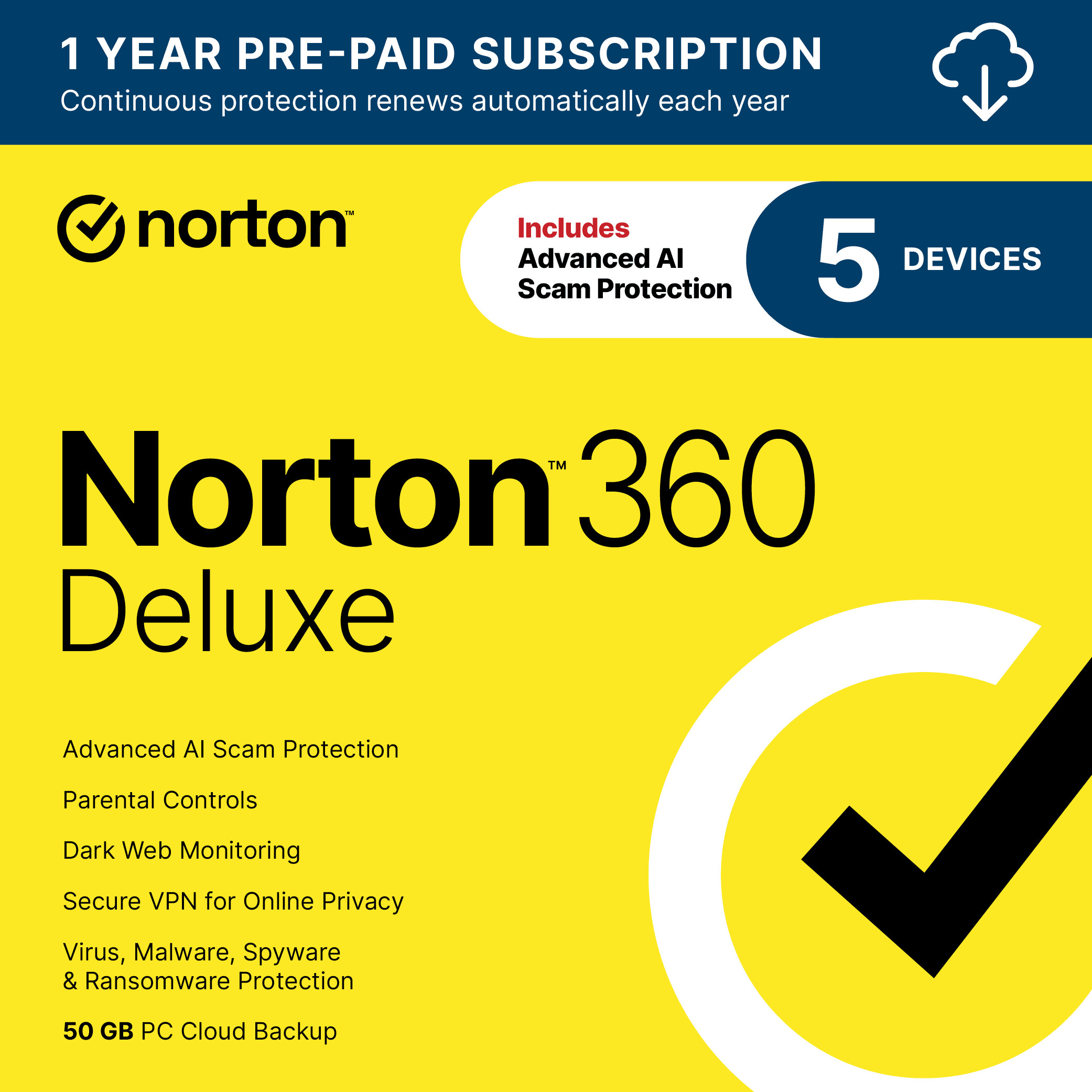
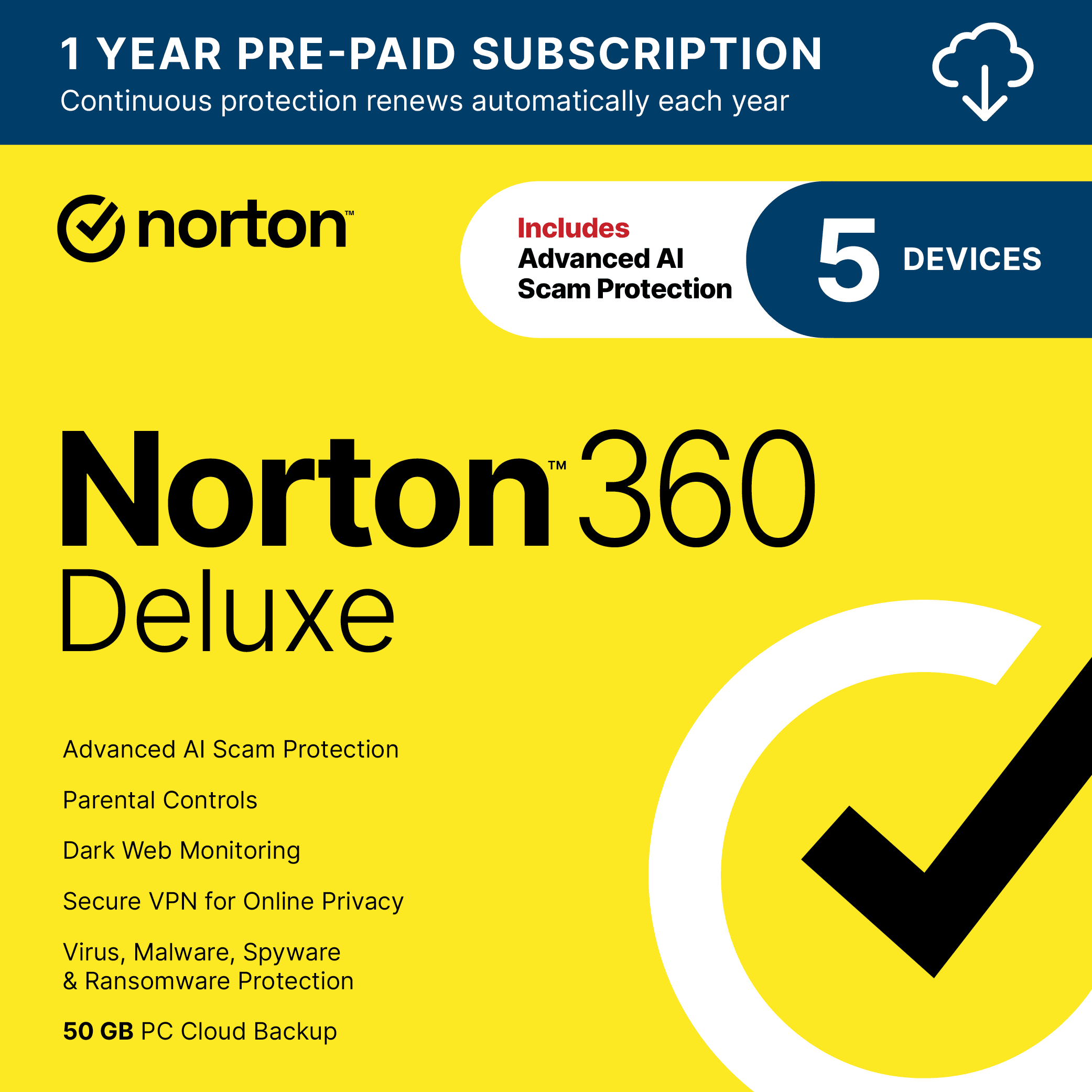
Norton 360 Deluxe
Category / Classification
- Type: Premium all-in-one security suite (Antivirus + VPN + Password Manager + Cloud Backup + Parental Controls)
- Best Positioning: The convenience-first option for users who want a single subscription and dashboard
- Performance Impact: 72% higher than Bitdefender in AV-Comparatives testing
✅ Strengths
- Truly unlimited VPN included
- Robust full-featured password manager
- Cloud backup for Windows
- Bundled identity theft monitoring
- Strong independent-lab protection scores
- Single subscription simplifies billing
⚠️ Considerations
- Renewal jumps over 160% after year one
- Still measurably heavier than Bitdefender
- Interface feels like separate apps stitched together
- 2022 crypto miner controversy still a trust issue
- US jurisdiction (CLOUD Act exposure)
Best For: Users who prioritize the convenience of an all-in-one solution. In the direct Norton vs Bitdefender matchup, Norton wins for users who want a single subscription that includes an unlimited VPN, a robust password manager, cloud backup, and parental controls, and are willing to pay a premium for that simplicity.
Consider: The “convenience tax” is substantial, with renewal prices jumping over 160% after the first year. Its system performance impact, while much improved, is still 72% higher than Bitdefender’s, which can be noticeable on older hardware. The user interface can feel like a collection of separate apps rather than a single unified dashboard.
Avoid If: You are budget-conscious or a performance purist. The high TCO and measurable system overhead mean that users focused on value or speed should look elsewhere. The 2022 crypto miner controversy also remains a point of concern for users who value a company’s judgment and focus.
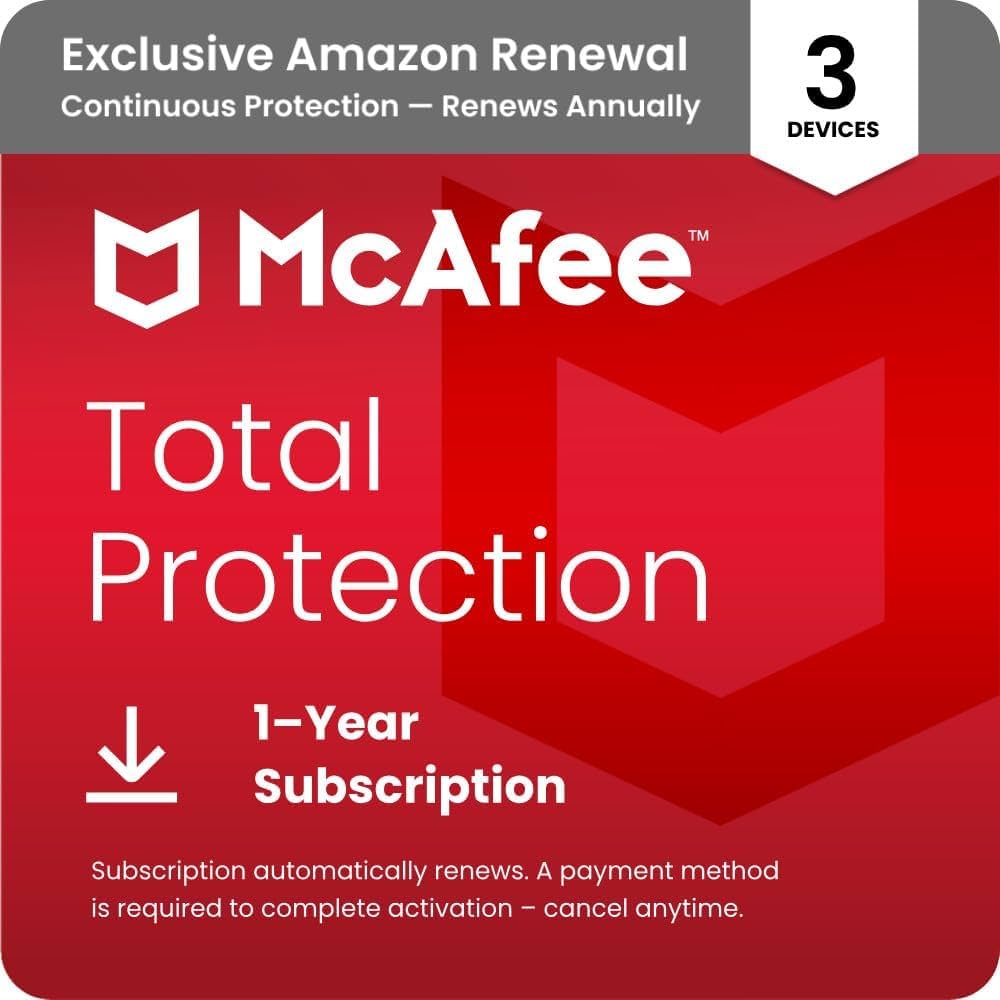
McAfee Total Protection
Category / Classification
- Type: Consumer security suite with unlimited-device license (Antivirus + VPN + Password Manager + Identity Monitoring)
- Best Positioning: Large households with 10+ devices under one account
- Performance Impact: 15.6 AV-Comparatives score — 2.5× heavier than Bitdefender
✅ Strengths
- Unlimited-device license under one plan
- Unlimited VPN included (with auto-renew on)
- Identity monitoring bundled
- Strong brand recognition
⚠️ Considerations
- Most extreme renewal price shock in the industry
- 16 false positives in AV-Comparatives test
- Reputation for difficult cancellation
- 2.5× higher system impact than Bitdefender
- US jurisdiction (CLOUD Act exposure)
Best For: Households with a very large number of devices (10+). The “unlimited devices” plan is McAfee’s single most compelling feature and can offer legitimate value for users who need to protect a dozen or more PCs, phones, and tablets under one account.
Consider: The comparison of Bitdefender vs. McAfee on performance impact is stark: with a score of 15.6, McAfee is 2.5 times heavier, validating long-standing user complaints. Furthermore, its high rate of false positives can be a major disruption. The AV-Comparatives test noted 16 false positives, meaning the software incorrectly blocked legitimate files, a rate far higher than its competitors AV-Comparatives Real-World Protection Test July-October 2023.
Avoid If: You value a smooth user experience and fair pricing. McAfee has the most extreme renewal price shock in the industry and a persistent reputation for making cancellations difficult. For most users, the risk of dealing with false positives and aggressive billing outweighs the benefit of unlimited devices.
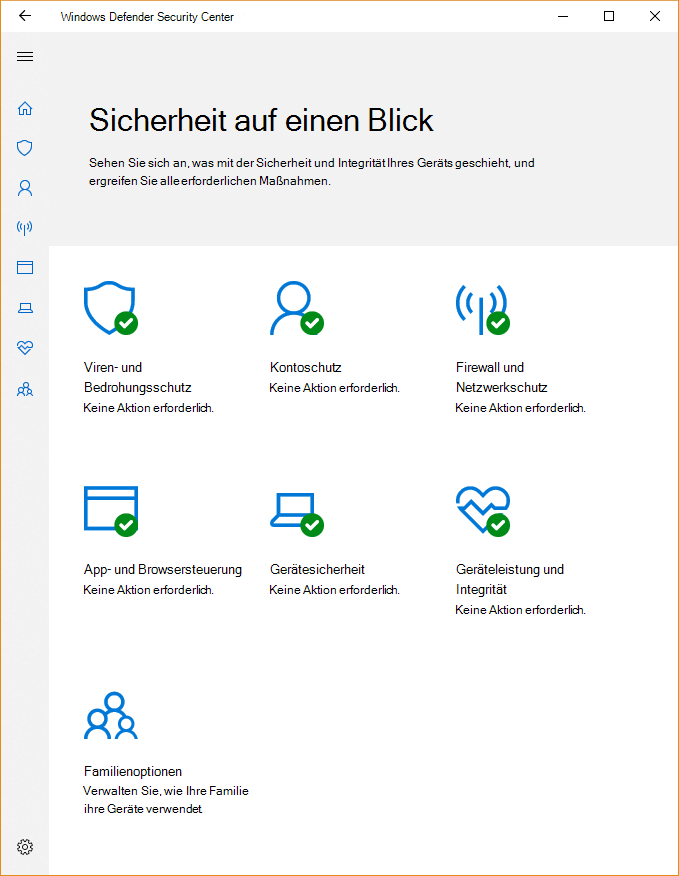
Microsoft Defender
Category / Classification
- Type: Free built-in Windows security tool (antivirus + firewall + Controlled Folder Access)
- Best Positioning: Foundation of the “DIY Stack” — pair with standalone VPN & password manager
- Performance Impact: 8.5 AV-Comparatives score — remarkably efficient for a free tool
✅ Strengths
- Completely free, no upsells, no pop-ups
- Top-tier AV-Test detection scores
- Deep Windows integration
- Lightweight system footprint
- Powerful Controlled Folder Access ransomware feature
⚠️ Considerations
- No bundled VPN
- No cross-platform password manager
- No advanced firewall UI
- Controlled Folder Access is OFF by default
- Windows-only strength — weak on Mac/mobile
Best For: The vast majority of Windows users. Microsoft Defender is the ultimate value proposition: a top-tier, free, built-in security tool with zero pop-ups and zero upselling. It’s the perfect foundation for a cost-effective “DIY security stack.”
Consider: It’s a “do-it-yourself” solution. It doesn’t include a VPN, a cross-platform password manager, or an advanced firewall; you have to source these yourself. Its most powerful feature, Controlled Folder Access, is disabled by default and requires user intervention to become fully effective.
Avoid If: You need to manage security across a mix of Windows, macOS, and mobile devices from a single dashboard, or if you want a single company to call for all your security support needs. Its strength is its deep integration with Windows, which is also its limitation.
Bitdefender vs. Competitors: Feature & Value Matrix
| Criteria | Bitdefender | Norton 360 | McAfee | MS Defender |
|---|---|---|---|---|
| 3-Year TCO (5 devices) | $219.97 | $249.97 | $369.97 | ~$120 (w/ VPN) |
| Perf. Impact Score | 6.1 (best) | 10.5 | 15.6 | 8.5 |
| Included VPN | 200MB/day teaser | Unlimited | Unlimited* | None |
| Jurisdiction | 🇷🇴 Romania (EU) | 🇺🇸 USA | 🇺🇸 USA | 🇺🇸 USA |
| Renewal Multiplier | ~2.25× | ~2.6× | ~3.2× | Free |
For a full head-to-head focused specifically on Bitdefender’s shortlist, revisit our dedicated Bitdefender top alternatives and competitors breakdown.
Part 7: Conclusion & FAQs
Conclusion: Your Verdict on the Antivirus Wars
The 2026 antivirus battle isn’t about who stops more viruses — it’s about which company’s business model is the least hostile to its customers. My analysis shows that while core protection is a solved problem, the user experience across the industry is plagued by renewal price traps, feature “teasers,” and a constant barrage of upselling.
The market for the best alternatives for Bitdefender is rigged in favor of the vendors, but you can still win if you know the rules.
In the security suite comparison, your choice is clear, and it depends on what you value most.
If you demand the best performance and fair, transparent pricing, choose Bitdefender and bring your own VPN and password manager. Its low system impact is unmatched, and its business practices are more respectful than its direct competitors.
If you crave the simplicity of an all-in-one suite and can stomach the high renewal cost, Norton is a viable, feature-rich option. It successfully bundles a wide range of useful services into a single, albeit expensive, package.
But for the vast majority of users seeking the best value and a quiet, ad-free experience, the answer I keep coming back to is a DIY stack built on the free and powerful Microsoft Defender. It offers equivalent protection without the financial traps or the notification noise.
Whichever you choose, protect your wallet as fiercely as you protect your PC: turn off auto-renewal the day you subscribe. In this market, I’ve learned that the biggest threat to your security might just be the one hiding on your credit card statement.
Frequently Asked Questions
Q1: Is paid antivirus like Bitdefender still worth it in 2026?
A: For a diminishing number of users, yes. In my opinion, paid antivirus is only worth it if you fall into very specific categories. If you require the absolute lowest performance impact for a resource-sensitive task like professional gaming or video editing on older hardware, Bitdefender’s slight edge is justifiable AV-Comparatives Performance Test October 2023. Alternatively, if you are a user who strongly values the convenience of an all-in-one suite with a bundled unlimited VPN (like Norton or McAfee) and are willing to pay the significant renewal cost for that convenience, then a paid suite can make sense. However, for the majority of home users, free tools like Microsoft Defender now offer equivalent core malware protection, making the high cost of paid suites difficult to justify.
Q2: Which antivirus has the best VPN?
A: Among the suites tested, Norton 360 and McAfee Total Protection offer the best included VPN simply because they provide unlimited data (though McAfee requires auto-renewal to be enabled). This makes them functional for streaming and daily use Norton 360 Deluxe Product Page. In stark contrast, Bitdefender’s included VPN is a severely limited 200MB/day “teaser” that is functionally useless for anything beyond brief browsing. However, it’s my professional experience that a dedicated standalone VPN service is almost always faster, more secure, more private with audited no-log policies, and more feature-rich than any VPN bundled with an antivirus suite. The “unlimited” VPN is the primary justification for the high renewal prices of Norton and McAfee.
Q3: What is the biggest “scam” in the antivirus industry?
A: The “Renewal Price Shock” is undoubtedly the most widespread and predatory practice. It is a calculated business model, not an accident. Companies aggressively market a low first-year price, often between $30-$50, to get you into their ecosystem McAfee Total Protection Pricing. They then rely on user inertia and the fact that your subscription is set to auto-renew at a massively inflated rate, sometimes over $160. They count on you either not noticing the charge on your credit card or finding the cancellation process so intentionally difficult and confusing that you simply give up. This “bait and switch” tactic is the single biggest source of user complaints and distrust in the industry.
Q4: Is Norton still “bloatware” that slows down your PC?
A: Mostly no, but with a significant catch. The “bloatware” reputation comes from the early 2000s when Norton was notoriously resource-heavy. Modern versions of Norton are much lighter and more efficient. However, the perception isn’t entirely a myth. The latest independent tests from AV-Comparatives show it still has a 72% higher system performance impact than Bitdefender AV-Comparatives Performance Test October 2023. While a modern, high-end PC might not notice this difference, on an older laptop or a budget desktop with limited RAM, that extra overhead can be the difference between a responsive machine and a frustratingly sluggish one. So, while it’s no longer the system-crippling “bloatware” of the past, it is still measurably heavier than its most efficient competitors.
Q5: Is Microsoft Defender good enough by itself?
A: For core malware and phishing protection, yes, Microsoft Defender is absolutely good enough. It consistently receives top scores from independent labs like AV-Test, matching or beating many paid competitors AV-Test Windows Report 2025. Its primary weakness is not its protection capability but its configuration and bundled features. To get the equivalent of a paid suite, you must adopt a “DIY” approach. You will need to source your own VPN and password manager. Most importantly, its most powerful ransomware protection feature, Controlled Folder Access, is turned off by default and requires some technical comfort to enable and manage properly Microsoft Controlled Folder Access Documentation.
Q6: Why is Bitdefender’s EU jurisdiction a big deal?
A: It provides significantly stronger data privacy assurances for users. Because Bitdefender is headquartered in Romania, an EU member state, it is governed by the General Data Protection Regulation (GDPR), which is one of the world’s strictest and most comprehensive data protection laws Bitdefender Jurisdiction and Data Privacy Policy. This legally limits how the company can collect, process, and share user data. In contrast, its main competitors (Norton, McAfee, Microsoft) are US-based companies. They are subject to the US CLOUD Act, which can give US law enforcement and intelligence agencies the authority to compel these companies to hand over user data, regardless of where that data is stored or where the user lives US Department of Justice, The CLOUD Act. For privacy-conscious individuals, this legal distinction is a major advantage for Bitdefender.
Q7: If McAfee protects unlimited devices, isn’t it the best value?
A: Not necessarily, and for most people, it’s actually one of the worst values. The “unlimited devices” is a very effective marketing hook, but you must do the math. McAfee has by far the highest renewal price, at over $159 per year McAfee Total Protection Pricing. For a typical household with 5-7 devices, a Bitdefender family plan is significantly cheaper over a three-year period. The “DIY Stack” with Microsoft Defender is dramatically cheaper still. The McAfee plan only starts to become mathematically viable if you genuinely need to protect 15 or more devices, and even then, you must be willing to tolerate its higher system impact and significant rate of false positive detections.
Q8: How can I avoid the antivirus renewal trap?
A: The method is simple, requires discipline, and is the most important piece of advice in this guide. First, immediately after you subscribe to any antivirus service, log in to your new account on their website. Navigate to the subscription or billing section and turn off auto-renewal. Do not wait. Do it on day one. Second, open your calendar and set a reminder for yourself one month before the subscription is set to expire. This simple two-step process puts you back in control. It forces the company to earn your business again next year, and it gives you the power to consciously evaluate your options and shop around for a better deal rather than being a passive victim of a surprise charge.
Q9: Bitdefender vs Norton: Which is better?
A: It strictly depends on your priority. There is no single “better” product, only a better fit for your needs. Choose Bitdefender if your top priority is maximum system performance with the lowest possible impact, combined with a fairer, more transparent renewal price. It’s the choice for performance purists and budget-conscious users who are willing to source their own VPN. Choose Norton if your top priority is the all-in-one convenience of a single suite that includes a truly unlimited VPN, a top-tier password manager, and other extras like identity monitoring Norton 360 Deluxe Product Page. It’s the choice for users who are willing to pay a significant “convenience tax” in the form of higher renewal costs for the simplicity of a single subscription.

