NordPass Review 2026: Plans, Free Version, Pros & Cons
Posted on |
Home › Reviews › NordPass Review
By Mohamed Zaki · Researched and updated November 13, 2026 · Coupons Scout may earn a commission when you buy through links on this page, at no extra cost to you. Affiliate disclosure.
This NordPass review is for individuals and families who want a password manager with a generous free plan and a simple way to upgrade later. NordPass stores passwords, passkeys, credit card details, personal information and sensitive files, and its Free plan includes unlimited password storage and autofill. We read NordPass’s own plans page and support pages in November 2026 to explain what you get, how the plans differ and who should choose it.
Quick Verdict
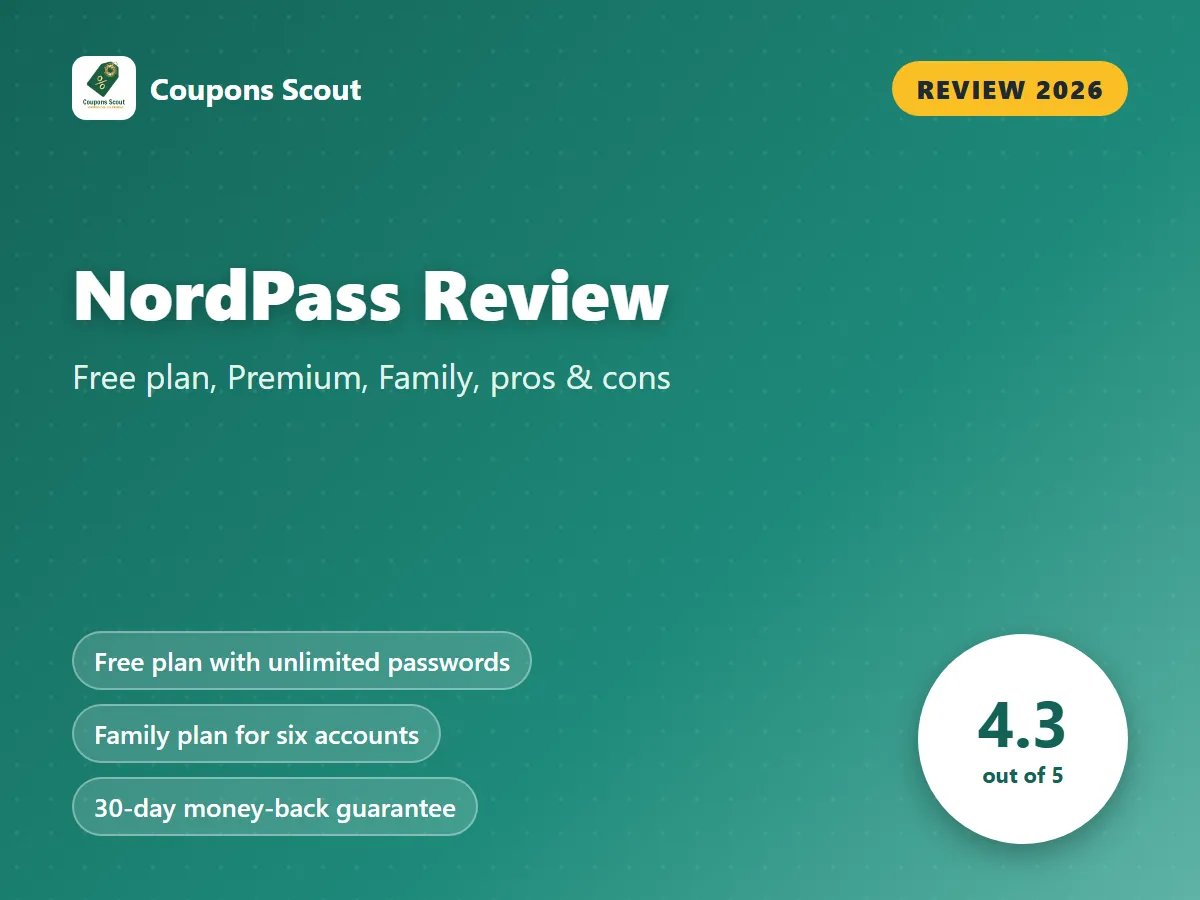
Our score: 4.3/5 · A generous free password manager with a simple path to Premium and Family
NordPass stores passwords, passkeys, credit card details, personal information and sensitive files, and its Free plan includes unlimited password storage, sync across devices, autosave and autofill. The Family plan gives six accounts all Premium benefits, personal plans carry a 30-day money-back guarantee, and business plans start with a 14-day free trial. For current prices, see the pricing page.
Best for: individuals and families who want a free plan with an easy upgrade path to Premium or Family.
Consider an alternative if: you switch devices often, since Free allows one active session at a time, so check the pricing page for what Premium adds.
Key Takeaways
- NordPass is a password manager that stores passwords, passkeys, credit card details, personal information and sensitive files, and it can generate passwords and autofill them.
- As of November 2026, NordPass Free includes unlimited password storage, automatic sync across devices, autosave and autofill, according to its plans page.
- NordPass Free lets you install the app and extension on as many devices as you want, but it allows 1 active session on 1 device at a time.
- The NordPass Family plan gives 6 accounts all Premium benefits, and personal plans are sold on 1-month, 1-year and 2-year terms.
- As of November 2026, NordPass personal plans carry a 30-day money-back guarantee, and the company says you request a refund by contacting customer support.
- NordPass business plans offer a 14-day free trial with no credit card required; Teams comes as a 10-user pack, while Business and Enterprise start from 5 users.
- Coupons Scout rates NordPass 4.3 out of 5 for individuals and families who want a free plan with an easy upgrade path.
NordPass at a Glance
| Detail | NordPass |
|---|---|
| Best for | Individuals and families who want a free plan with an easy upgrade path |
| Free option | Free plan (one active session); 14-day Business trial |
| Personal plans | Free, Premium and Family |
| Business plans | Teams, Business and Enterprise |
| Billing terms | 1-month, 1-year or 2-year plans |
| Pricing | See pricing page |
| Refunds | 30-day money-back guarantee on personal plans; 14 days on Business plans |
From NordPass’s own plans and support pages, November 13, 2026.
What Is NordPass and Who Is It For?
NordPass is a password manager that keeps your logins and other private details in one vault. Beyond passwords, it stores passkeys, credit card details, personal information and sensitive files. It can generate passwords for new accounts, which the company describes as strong, and it autosaves and autofills them as you browse.
The standout is the Free plan. According to NordPass’s plans page, it includes unlimited password storage, automatic sync across devices, autosave and autofill, and the company says the free version offers the same security level as Premium. That makes it easy to start without paying and upgrade only when you need more.
NordPass is a great fit for:
- First-time password manager users who want to start free with unlimited password storage.
- Families who want one plan that gives six accounts all Premium benefits.
- People moving to passkeys who want passkeys, passwords and cards in the same vault.
- Small teams and companies that want Teams, Business or Enterprise plans with a 14-day free trial.
NordPass Review: Key Features
What Can You Store in NordPass?
NordPass stores passwords, passkeys, credit card details, personal information and sensitive files. Keeping all of these in one place means your logins, cards and personal details sit in the same vault.
How Does Autofill and Password Generation Work?
NordPass can generate passwords for new accounts, then autosave and autofill them when you return to a site. Autosave and autofill are listed on the Free plan, so you get the core everyday features without paying. Automatic sync across devices is also included on Free, so a password saved on one device is ready on the others.
How Many Devices Can You Use with NordPass?
NordPass’s support pages state that Free and paid users can install the app and web extension on as many devices as they want. The difference is sessions: Free allows one active session on one device at a time. If you often move between a laptop and a phone during the day, keep in mind that Free allows one active session at a time.
Does NordPass Have Plans for Families and Businesses?
Yes. The Family plan gives six accounts all Premium benefits. For organizations, NordPass sells Teams, Business and Enterprise plans. Teams comes as a 10-user pack, while Business and Enterprise start from 5 users, and business plans offer a 14-day free trial with no credit card required.
NordPass Pricing and Plans in 2026
NordPass sells its plans on 2-year, 1-year and 1-month terms. For current figures on each plan and term, see the pricing page. Here is what each plan includes, based on NordPass’s own pages in November 2026.
| Plan | Who it is for | Notable details |
|---|---|---|
| Free | Individuals starting out | Unlimited password storage, sync, autosave and autofill; one active session at a time |
| Premium | Individuals who want Premium benefits | Premium benefits; 30-day money-back guarantee; see pricing page |
| Family | Households | Six accounts with all Premium benefits; 30-day money-back guarantee |
| Teams | Small teams | Sold as a 10-user pack; 14-day free trial |
| Business | Companies | Starts from 5 users; 14-day free trial and 14-day money-back guarantee |
| Enterprise | Larger organizations | Starts from 5 users |
Plan details are as shown on NordPass’s own pages on November 13, 2026. Plans come on 2-year, 1-year and 1-month terms; confirm your total on the pricing page.
How Much Does NordPass Cost?
The Free plan costs nothing and keeps unlimited password storage. For Premium, Family and the business plans, see the pricing page, since NordPass sells them on 2-year, 1-year and 1-month terms. Personal plans carry a 30-day money-back guarantee, which gives you time to decide after you pay.
How Can You Pay Less for NordPass?
- Use a promo code. Our NordPass coupon page lists current codes and offers; click Get Code so the discount is applied.
- Start on Free. Unlimited password storage and autofill cost nothing on the Free plan, which allows one active session at a time.
- Compare terms. NordPass offers 2-year, 1-year and 1-month plans; check the pricing page to see which term suits your budget.
- Share with Family. One Family plan gives six accounts all Premium benefits.
- Trial business plans first. Teams, Business and Enterprise offer a 14-day free trial with no credit card.
Pros and Cons of NordPass
✅ What We Like
- Free plan with unlimited password storage, sync, autosave and autofill.
- The company says Free offers the same security level as Premium.
- Stores passkeys, credit cards, personal information and sensitive files.
- Family plan covers six accounts with all Premium benefits.
- 30-day money-back guarantee on personal plans.
- 14-day Business trial with no credit card required.
- Flexible 1-month, 1-year and 2-year terms.
💡 Things to Consider
- Free allows one active session at a time, so upgrade to Premium if you switch devices often.
- Refunds are not automatic, so contact customer support within 30 days if you change your mind.
- Business plans have a shorter 14-day refund window, so use the 14-day free trial first.
NordPass’s strengths are a generous free plan and a clear upgrade path: unlimited passwords for free, a Family plan for six accounts and a 30-day money-back guarantee on personal plans. The things to consider are easy to handle: upgrade if you need more than one active session, and contact support within the refund window if you change your mind.
Is NordPass Safe and Legit?
Yes. NordPass publishes plans and support pages, and the company says the free version offers the same security level as Premium. Personal plans carry a 30-day money-back guarantee, and the company says you request a refund by contacting customer support, so note your purchase date. Business buyers get a 14-day free trial with no credit card and a 14-day money-back guarantee.
How We Rated NordPass
| Criterion | Score | Why |
|---|---|---|
| Features | 4.5/5 | Stores passwords, passkeys, cards, personal info and files, with a password generator and autofill. |
| Free plan | 4.4/5 | Unlimited password storage, sync and autofill for free, with one active session at a time. |
| Ease of use | 4.3/5 | Install the app and extension on as many devices as you want; autosave and autofill do the work. |
| Value | 4.1/5 | Free, Premium and Family plans on 1-month, 1-year or 2-year terms; Family covers six accounts. |
| Trust & policies | 4.2/5 | 30-day money-back guarantee on personal plans; refunds are requested through support. |
| Overall | 4.3/5 | A generous free password manager with a simple path to Premium and Family |
How we score: we read NordPass’s own plans page, pricing information and support pages on November 13, 2026, and compared them with other password managers. Scores reflect this research, not a sponsorship, and no company reviewed this article.
How NordPass Compares to Other Password Managers
| Service | Best for | Pricing model | Free plan / trial | Our score |
|---|---|---|---|---|
| NordPass | Free users who may upgrade to Premium or Family | Subscription: 1-month, 1-year or 2-year plans | Free plan; 14-day Business trial | 4.3/5 |
| 1Password | Families who want shared and private vaults | Subscription, billed monthly or yearly | 14-day free trial, no credit card | 4.4/5 |
| Bitwarden | Value seekers who want a full free plan | Free plan plus annual Premium and Families | Free plan; 14-day Families trial | 4.6/5 |
| LastPass | Users who want a 30-day Premium trial | Annual subscription per user | Free plan; 30-day Premium trial | 4.1/5 |
See the full breakdown in our NordPass alternatives and competitors comparison and browse our password manager guides for more tips.
How to Get Started with NordPass
- Create a free account on NordPass’s website and install the app and web extension.
- Add your passwords, then save passkeys, cards and personal information to your vault.
- Let autosave and autofill handle logins, and use the password generator for new accounts.
- If you want to cover six family members, choose Family, and check the pricing page for what Premium adds beyond one active session.
- Check our NordPass coupon page before you upgrade.
Final Verdict: Is NordPass Worth It?
Yes, especially if you want to start free and upgrade only when you need to. NordPass Free gives unlimited password storage, sync and autofill, the Family plan covers six accounts, and personal plans carry a 30-day money-back guarantee. If you switch devices often, note that Free allows one active session at a time; compare options in our comparison post if business features matter most.
Frequently Asked Questions
Is NordPass free?
Yes. As of November 2026, NordPass Free includes unlimited password storage, automatic sync across devices, autosave and autofill, according to its plans page. Free allows 1 active session on 1 device at a time.
How much does NordPass cost?
NordPass sells Premium, Family and business plans on 2-year, 1-year and 1-month terms; see the pricing page for current prices as of November 2026. Our NordPass coupon page lists current offers.
Does NordPass offer refunds?
Yes. As of November 2026, NordPass personal plans carry a 30-day money-back guarantee, and the company says you request a refund by contacting customer support. Business plans have a 14-day money-back guarantee.
How many people does the NordPass Family plan cover?
The NordPass Family plan gives 6 accounts all Premium benefits.
Can I use NordPass on multiple devices?
Yes. NordPass’s support pages state that Free and paid users can install the app and web extension on as many devices as they want, but the Free plan allows 1 active session on 1 device at a time.
Are there NordPass promo codes?
Yes. Our NordPass coupon page lists current promo codes and offers. Click Get Code on the page so the discount is applied at checkout.
About the author: Mohamed Zaki, Founder & Chief MarTech Strategist, Coupons Scout. Mohamed Zaki is the founder of Coupons Scout and leads how the team finds deals and researches the software behind them. He focuses on marketing technology, automation tools and ways to pay less for them.
Editorial note: this article is based on research of brand product pages, help centers and policies, last checked November 13, 2026. Scores are our editorial opinion. Coupons Scout may earn a commission from some links, which never changes our rankings.
Sources
Brand pages we used for this article, checked November 13, 2026. Prices and plans can change, so confirm on the brand’s own website before you buy.
- NordPass: homepage
- NordPass: Plans
- NordPass: Business
- NordPass: Premium vs Free version of NordPass
- NordPass: Money back policy
- 1Password: homepage
- 1Password: Personal
- 1Password: Business
- 1Password: Enterprise
- 1Password: Refund policy
- Bitwarden: homepage
- Bitwarden: Pricing
- Bitwarden: Password manager plans
- Bitwarden: Bitwarden launches enhanced premium plan
- Bitwarden: What plan is right for me
- LastPass: homepage
- LastPass: Pricing
- LastPass: Personal
- NordPass: Money back policy for Business customers